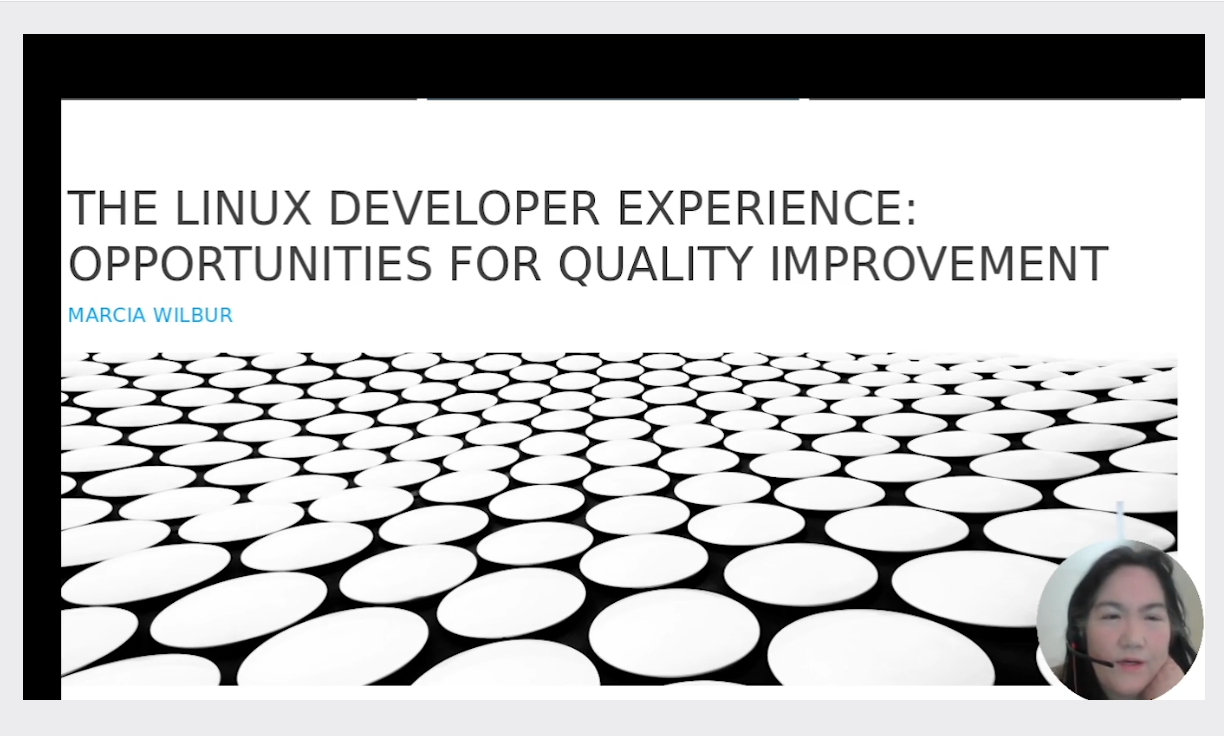
This was a presentation about usability, not so much APIs.
Tools, utilities and apps were recommended and provided.
https://gitlab.com/remastersys/dx-os/-/blob/master/presentation/26a.mp4?ref_type=heads
This was a presentation about usability, not so much APIs.
Tools, utilities and apps were recommended and provided.
https://gitlab.com/remastersys/dx-os/-/blob/master/presentation/26a.mp4?ref_type=heads
Using technical writers who are familiar with the product can improve design, functionality and usability. Developers can identify defects and often may know at least one solution. Working with technical writers, developers and add features, improve current features and fast track design.
Often, writers are editors, only taking content and improving layout, not usability. Find a GNU Linux writer who is also a developer and you get a 2fer.
I was once introduced by Rick Moen as a triple threat: Dev, Writer, Law
Sometimes I joke about being a unicorn.
As a technical writer, understanding copyright and trademark is essential. Being able to automate documentation processes for fun is efficient, and improving workflows is effective!
https://archive.fosdem.org/2021/schedule/event/openoffice_documentation/

I wrote a Debian get started guide. My favorite part is where I offer instructions to uninstall LibreOffice.
By the way, has anyone really looked at the code? I have.
Slop!
So, there are numerous places LibreOffice/Document Foundation did not properly rebrand. There is a DLL required?
Anyway, here are the instructions.
https://wiki.openoffice.org/w/images/0/02/Debian-quickinstall-oo.pdf
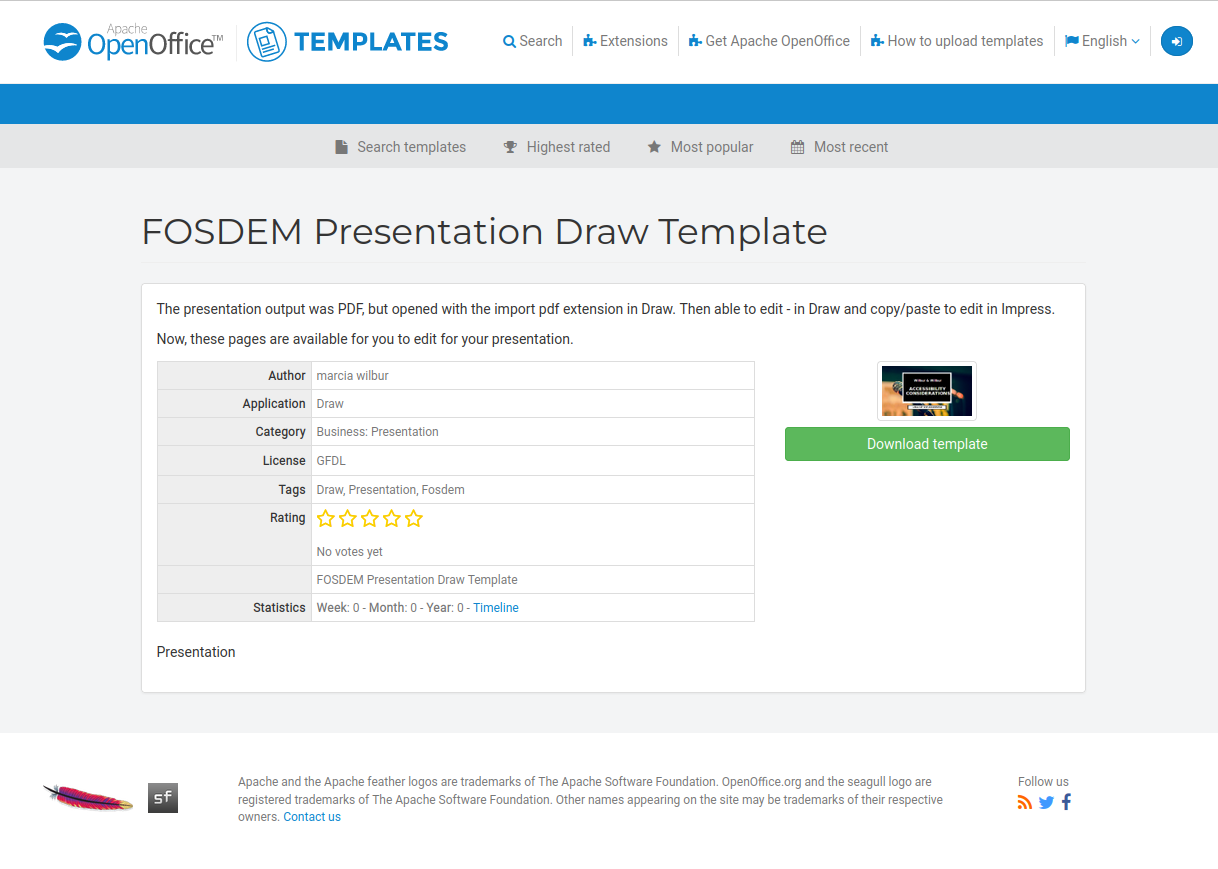
https://templates.openoffice.org/en/template/fosdem-presentation-draw-template
I shared the template used for the fosdem talks.
This was a great time. I did a lightning talk with my daughter, Justina. The q and a portion went past 30 extra minutes and we had to stop. Loved the interactions and communication with developers interested in making their tools, applications and utilities more accessible friendly!
https://archive.fosdem.org/2021/schedule/event/including_everyone
Created the desktop and pi images for Kids on computers. The year before, they had set up a lab but did not know how to truncate an image and needed to find and purchase larger SD cards in Mexico.
At the time I was working remotely for Arizona State University as a consultant. Here is the article with more info:
https://tech.asu.edu/uto-consultant-installs-computer-labs-underserved-area-mexico

This time, I showed the developer in Oaxaca and others how to truncate the image. The instructions are found here on Hackster.
https://www.hackster.io/marcia-wilbur/classroom-in-a-pi-nch-oaxaca-mexico-raspberry-pi-units-75063d
Worked on a few projects. Held workshops at Arizona State University for the Linux User Group, Gangplank makerspace, Linux + Pi at a tea shop, and Queen Creek Library. BDFL of Copper Linux, a GNU Linux User Group. Created an image with Deep Learning tools and OpenCV.
In this article, I demonstrate how to tweak the Deep Learning Developer Kit to work on raspberry pi 3 and use the optimizer and downloader. This was not supported by Intel, but I was able to get this working and the instructions are found on the site. However, the content system was changed so the design is not as original.