

Here are some instructions:
Category: Maker
Marcia Makes

I share some demos, tutorials with the community.
In this series, I share pi information.
Video tools:
- ffmpeg to convert to mp4
- online video editor
- youtube
Yocto on Beaglebone Black: 2016 Hackster and Beaglebone published
In 2016, I was given a beaglebone black from cfengine to write up instructions to use with Yocto. Originally, they hired me to do this on pi. Promised more work but this was a write up for a conference and was not transparent. The idea was to teach at the 8th grade level. However, as I moved along with instructions, it was clear my own bright 8th grader was having issues following along.
https://www.hackster.io/30847/yocto-on-beaglebone-black-9ae649
I shared the instructions on Hackster instead. This was picked up by Beagle but recently is a 404.

Presenter: Yale Law School

Spoke about privacy and AI. Also discussed 3D printing, copyright and surveillance.
https://law.yale.edu/center-global-legal-challenges/events/past-events-2019-20
OpenOffice.org: Template for presentations
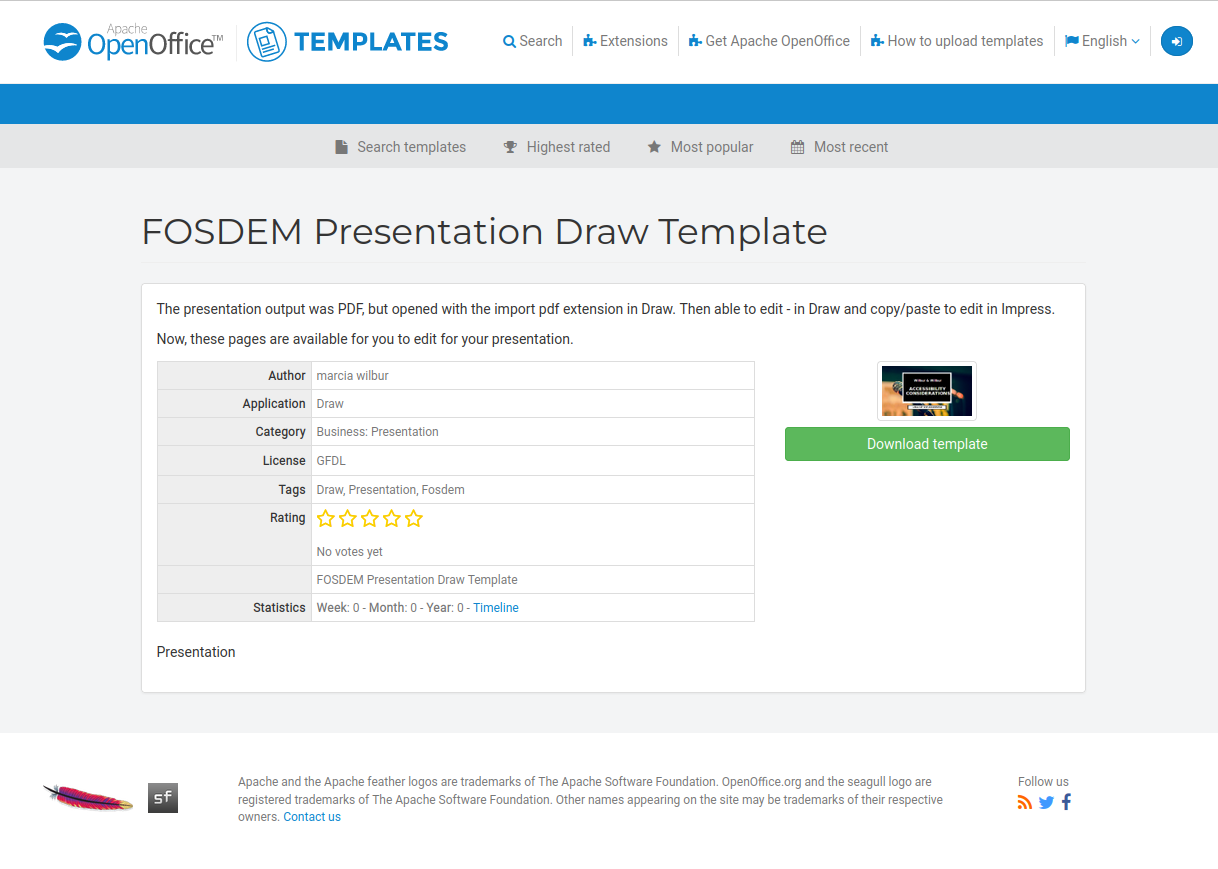
https://templates.openoffice.org/en/template/fosdem-presentation-draw-template
I shared the template used for the fosdem talks.
Mexico with Kids on Computers: January 2018 raspberry pi lab

Created the desktop and pi images for Kids on computers. The year before, they had set up a lab but did not know how to truncate an image and needed to find and purchase larger SD cards in Mexico.
At the time I was working remotely for Arizona State University as a consultant. Here is the article with more info:
https://tech.asu.edu/uto-consultant-installs-computer-labs-underserved-area-mexico

This time, I showed the developer in Oaxaca and others how to truncate the image. The instructions are found here on Hackster.
https://www.hackster.io/marcia-wilbur/classroom-in-a-pi-nch-oaxaca-mexico-raspberry-pi-units-75063d
Use the Model Optimizer and Model Downloader on Pi (unsupported): Intel Developer Zone
In this article, I demonstrate how to tweak the Deep Learning Developer Kit to work on raspberry pi 3 and use the optimizer and downloader. This was not supported by Intel, but I was able to get this working and the instructions are found on the site. However, the content system was changed so the design is not as original.


